How to choose
Firecrawl Self-Host vs Cloud: Is Open Source Really Cheaper?
Self-hosted Firecrawl skips some cloud features and adds your own ops, auth and model bills. VM math at 10K to 1M pages, plus where Crawl4AI fits.

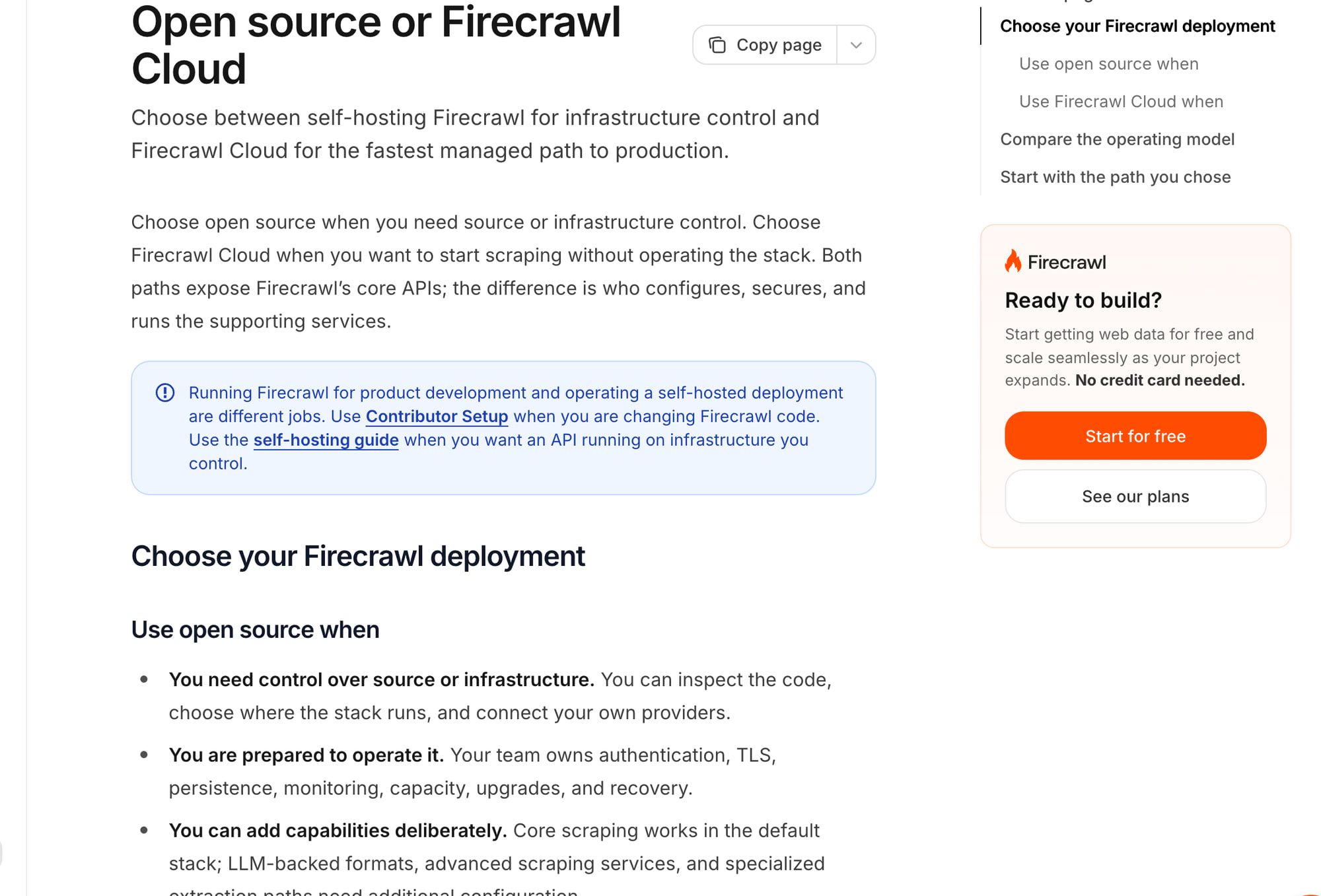
I would self-host Firecrawl when source access, infrastructure control and its API shape justify owning the operating work. I would choose cloud when the needed managed capabilities and operations are the reason to buy the service. A $24 server price alone does not establish that either route is cheaper.
For a Python/browser workflow, I would also consider Crawl4AI. Its documented deployment requirements and extraction choices differ from Firecrawl’s, so I compare them as separate stacks rather than interchangeable free versions of the same product. If you have already narrowed it to those two, my Crawl4AI vs Firecrawl comparison prices all four ways to run them; this page stays on the self-host decision. Firecrawl scope, Crawl4AI Docker guide.
Short on time?
Here's my take
- If you want to own the stack
- Self-hosted Firecrawl
- Choose it when you can maintain the documented core stack and the missing services are acceptable.
- If you need managed features
- Firecrawl Cloud
- Compare the actual endpoint and credit modifiers, then budget a complete plan rather than a marginal page rate.
- If you work in Python with browsers
- Crawl4AI self-hosted
- Consider it when its extraction approach fits and you can own resources, authentication and model configuration.
Prices verified . Documented inputs checked 10 November 2026. No deployment, capacity benchmark or break-even volume was measured.
Who handles what in each setup? #
| Decision | Firecrawl default local stack | Firecrawl Cloud | Crawl4AI local stack |
|---|---|---|---|
| Interface and output | Core fetch/Playwright routes; configured LLM formats | Managed documented product; endpoint/plan scope still matters | Python/browser extraction with deterministic or supplied-model strategies |
| Managed feature parity | Fire-engine, several screenshot/actions and Agent/Browser/interact paths absent by default | Consult exact product and plan | Do not infer Firecrawl feature parity |
| Authentication | Baseline auth disabled in current guide; you configure it | Verify your selected account and key rights | Guide documents explicit token and local binding behavior |
| Persistence and recovery | You configure storage, backups and restore | Verify service retention and required exports | You configure persistence and recovery |
| Models and proxies | Configure and budget required external services | Use endpoint-specific credits and modifiers | Supplied model/provider has a separate bill |
| Patching and resource limits | Your operating responsibility | Verify applicable managed commitments | Your operating responsibility; inspect security releases |
Sources: Firecrawl self-host guide, cloud comparison, Crawl4AI self-host guide and extraction docs, checked 10 November 2026.
What do you get when you self-host Firecrawl? #
The default stack is a core API deployment, not cloud parity. The current self-host guide is pinned to v2.11.162, with auth disabled in its baseline configuration. I would inspect that documented release and each needed route before exposing anything beyond a local development environment. Self-host guide, repository companion.
The self-host guide leaves Fire-engine, screenshots and page actions out of the default stack, and the cloud/open-source comparison does the same for the managed Agent/Browser/interact capabilities. LLM formats need a configured provider or Ollama. Adding a missing external component is further work, not proof the default repository bundled it. Self-host guide, capability comparison.
The core is AGPL-3.0. I would review the actual license for the intended deployment rather than assume a public repository means every hosted-service use has the same obligations.
How does deploying Crawl4AI differ? #
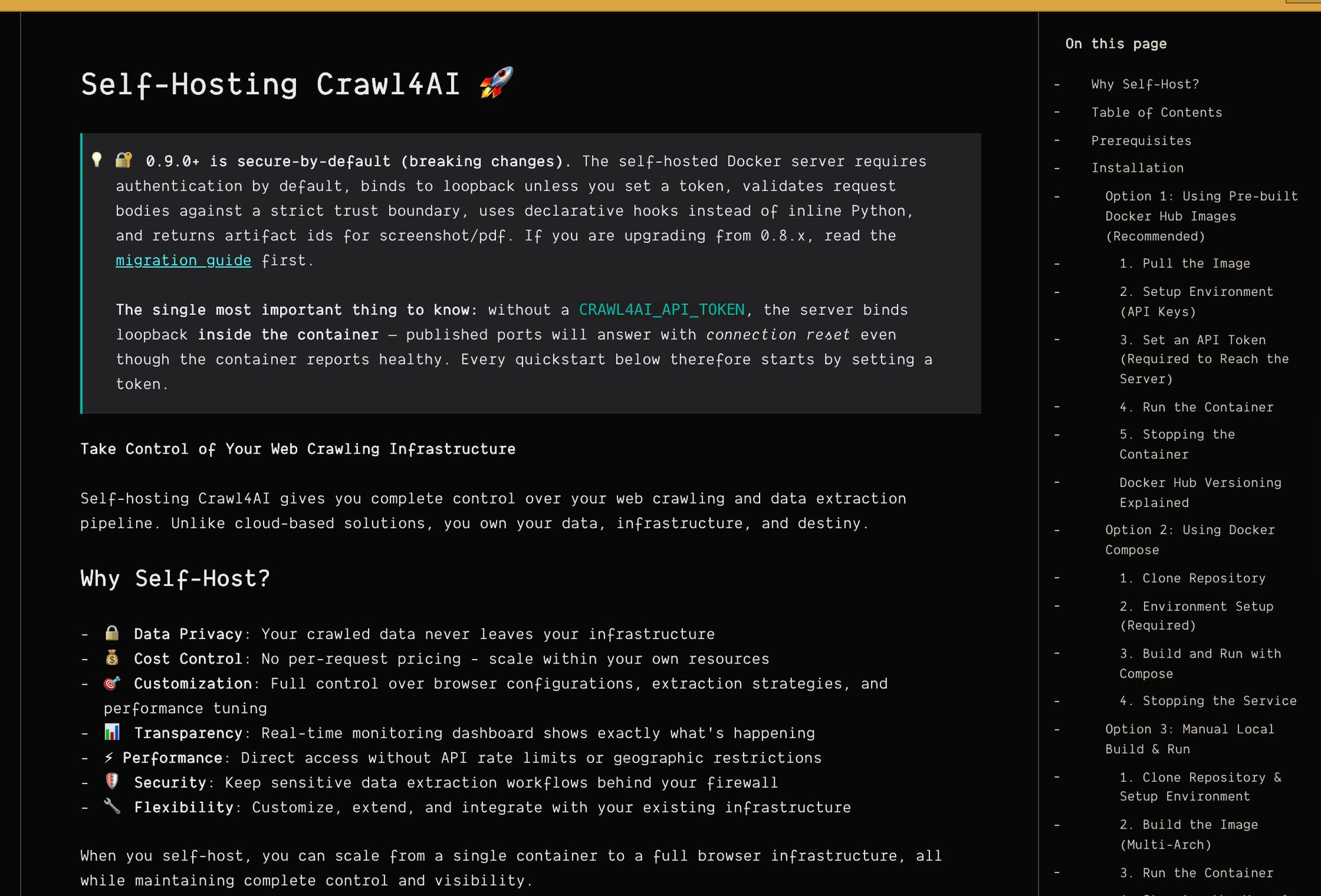
Crawl4AI’s Docker guide requires at least 4 GB available to the container. It describes explicit API-token configuration, a loopback default without a token and a health-route exception. None of that establishes the throughput of a particular VM. Docker guide.
Its license contains Apache-2.0 text plus an attribution appendix. Its CSS/XPath strategies can avoid model calls; its LLM strategy uses a supplied provider. I would include the attribution review and any model token budget in the operating decision. Deterministic extraction, LLM strategy.
The changelog records security changes in v0.9.3 and v0.9.4, including trust-boundary/SSRF fixes. I would check the actual release or image digest I plan to run, then review the advisories and current Compose settings. A security release is a patching input, not a certificate that all future uses are safe.
What would the server alone cost at 10K to 1M pages? #
These hypothetical workloads are denominators, not tested capacities. DigitalOcean’s regular Basic cards list $24 monthly for 4 GiB/2 vCPUs and $48 for 8 GiB/4 vCPUs. I use those prices only to illustrate the infrastructure line of a budget, excluding tax and every extra. VM pricing, checked 10 November 2026.
| Hypothetical pages/month | $24 VM only: monthly / per 1K pages | $48 VM only: monthly / per 1K pages | What is still unknown |
|---|---|---|---|
| 10,000 | $24 / $2.40 | $48 / $4.80 | Required resources, rendering and operating work |
| 100,000 | $24 / $0.24 | $48 / $0.48 | Throughput, bandwidth, storage and workload mix |
| 1,000,000 | $24 / $0.024 | $48 / $0.048 | Whether either host can perform the workload at all |
The formula is VM monthly price divided by page count, multiplied by 1,000. The low number in the final row follows from a larger denominator; it does not show that a million pages fit on the host.
My full budgeting formula is VM + storage/backup + bandwidth/proxies + model tokens + monitoring + maintenance hours × an explicitly assumed labor rate. I would also attach the availability and data-location requirement, because those can determine the architecture before per-page arithmetic matters.
Does JSON output cost more on Firecrawl Cloud? #
Firecrawl’s one-credit base page rate is not its JSON total. The public billing docs list one credit for a base scrape/crawl page, four more for JSON and four more for prompt-injection checking; modifiers stack.
A returned 403/404 document is charged. An ordinary scrape returning no document is free, but completed-work exceptions still charge: for example, five credits after the prompt-injection check runs, two per URL scanned by threat protection, and one for a lockdown cache miss. Billing, checked 10 November 2026.
For 10K, 100K and 1M pages with JSON, the documented five-credit configuration consumes 50K, 500K and 5M credits, before other modifiers. That is usage arithmetic, not a complete subscription invoice, and it does not price the separate multi-URL /extract endpoint, which Firecrawl now lists as deprecated and due for removal on 10 December 2026. JSON mode, billing, extract docs.
The documented USD monthly Hobby/Standard/Growth/Scale plans are $19/$99/$399/$749, with 5K/100K/500K/1M monthly credits. I would price the whole required package and any verified top-ups before comparing the cloud bill with self-hosting. Public pricing, checked 10 November 2026.
Map, Interact and rollover wording differs across public pages. I leave those units out of the cost table rather than create a confident mixed-endpoint total from conflicting inputs. Billing reference, pricing reference.
How do you know a self-hosted setup works? #
I would verify the required output from an allowed target, then rehearse restart, persistence and restore before treating the service as operational. The Firecrawl guide’s readiness route alone does not establish a successful scrape. Current setup guide.
My proposed operating checklist is: pin the reviewed release, bind locally while configuring authentication, add TLS and outbound-target restrictions, cap memory/concurrency/requests, separate model credentials, and verify an isolated backup/restore. These are recommended checks, not completed work or an installation recipe I executed.
I would also test behavior on an unexpected redirect or private destination before accepting arbitrary input URLs. The Crawl4AI changelog shows why trust boundaries and the actual version belong in that review.
The issue threads on memory accounting, lifecycle cleanup and auth setup are version-specific. I do not describe an old closed issue as a proven current defect.
Self-host or cloud: how I’d decide #
Choose self-hosted Firecrawl when its core routes cover the job and your team can maintain the service. Choose cloud when a needed managed capability or the operating burden makes the complete package worth its price; I cannot establish a universal break-even volume without workload measurements.
Choose Crawl4AI when the Python/browser approach and extraction strategies fit the application. Cloud is a separate price comparison: its current homepage and linked cloud terms say bought credit never expires, while soft-launch prices can change. I have not called the controlling pricing endpoint or checked account eligibility, so I do not insert a cloud rate into this local-host cost table. Current homepage, current cloud terms, checked 10 November 2026.
For the broader choice among open-source crawlers and managed services, use Firecrawl alternatives. For exact managed billing, including plans and top-ups, use Firecrawl pricing; the crawl API hub connects the next decision.
FAQ #
Is a $24 VM enough for production? #
This research does not establish that. The VM price is an illustrative input, and no host capacity was measured.
Does self-hosted Firecrawl have every cloud feature? #
The documented default stack has exclusions. Compare the required routes with the open-source/cloud table before budgeting.
Does a JSON page cost one Firecrawl credit? #
The documented base plus JSON modifier is five credits per page before other modifiers. The separate multi-URL extraction job has different billing scope and is deprecated, with removal set for 10 December 2026. Billing, extract docs.
Is self-hosting always cheaper? #
I would not make that claim. Include the missing services, operating work and measured workload before calculating a break-even point.
Sources
27 sources, accessed .
Official pricing, docs, changelogs and status pages 16
- v2 single-page JSON extraction
- Multi-URL extraction job and limitations
- Default stack limits and production duties
- Cloud versus default stack
- USD plans and credit costs; scratch copy
- Annual view and plan gates
- Modifiers, failures, rollover and limits
- Scope, robots and result expiry
- 2026 feature changes
- RAM, auth and local MCP endpoints
- Robots and browser/run configuration
- Model providers and LLM extraction
- CSS/XPath and deterministic extraction
- Changed cloud prices and remote MCP
- Older cloud terms; reconciliation needed
- Illustrative regular Basic VM prices
GitHub code, issues and releases 11
- Core repository and SDK inventory
- Core AGPL license
- Local stack companion instructions
- Python crawler and output capabilities
- Apache text plus attribution appendix
- Dated security and behavior changes
- Published security advisory inventory
- User report: cgroup memory guard
- Version-specific lifecycle report and replies
- Compose/auth complaint closed in v0.9.3
- Current limits and hardening settings


