How to choose
LLM Structured Data Extraction? Try Selectors First
Selectors for stable fields, an LLM when meaning varies. Compare Firecrawl JSON, Zyte custom attributes, Crawl4AI and Apify on schema and cost.

I would start with deterministic selectors for stable, known fields and use LLM extraction when the field meaning varies across pages. For a managed single-page JSON request, shortlist Firecrawl; for standard extraction plus custom attributes, examine Zyte; for a pipeline you maintain, compare Crawl4AI and the specific Apify Actor that supplies your required records.
The decision is not which vendor says “structured” most often. I would ask what output is required, which schema the endpoint supports, what a missing field looks like, and how a value can be checked against its source. JSON Schema reference, Crawl4AI deterministic strategies.
Short on time?
Here's my take
- If your fields are stable and known
- Deterministic selectors first
- Use CSS/XPath when the structure is known, then validate values and missing-field behavior.
- If you want JSON from one URL
- Firecrawl scrape JSON
- Use the v2 JSON format; the older /extract endpoint is deprecated and goes away on 10 December 2026.
- If you need custom fields on top
- Zyte custom attributes
- Inspect the supported schema subset, omission behavior, units and the complete request bill.
Prices verified . Documented interfaces and list prices checked 11 November 2026. No extraction accuracy or live request result is claimed.
Which approach fits the data you need? #
| Route | Documented input/output approach | Cost inputs | Check before choosing |
|---|---|---|---|
| Crawl4AI CSS/XPath | Deterministic known-page selectors | Your application and infrastructure | Layout changes, missing selectors, units and scope |
| Crawl4AI LLM strategy | Supplied provider/model and schema | Infrastructure plus model tokens | Provider/schema support and original field evidence |
| Firecrawl scrape JSON | v2 single-URL JSON format | Base page credit plus JSON and other modifiers | Supported schema, page type and returned values |
| Firecrawl extract | Multi-URL extraction job (deprecated; removed 10 Dec 2026) | Endpoint-specific job billing | Migration to scrape JSON or Agent before removal |
| Zyte custom attributes | Standard extraction type plus custom attributes | Target/request tier, standard type and custom tokens | Supported subset, omissions and truncation |
| Apify Actor | Actor-defined inputs and stored records | Platform usage, events or both | Actual Actor output contract and price |
Checked 11 November 2026. This table compares documented approaches, not measured field correctness or a common all-in request price.
Could plain selectors do the job? #
Selectors are my starting point when I know both the field and its location. Crawl4AI documents LLM-free CSS/XPath strategies alongside a separate supplied-model strategy. I would reserve model calls for the part of the task where variable wording or structure actually needs interpretation. Deterministic extraction, LLM extraction.
My field specification would record the meaning, type, unit, allowed missing values and source evidence. For a price, I would distinguish the amount from the currency and billing period rather than ask a model for one unlabeled number.
I would also record the page type I expected. A login page, blocked response or unrelated product can still contain plausible text, so output-shape validation belongs after checking that the source itself is the right document.
Firecrawl’s JSON mode vs its extract endpoint #
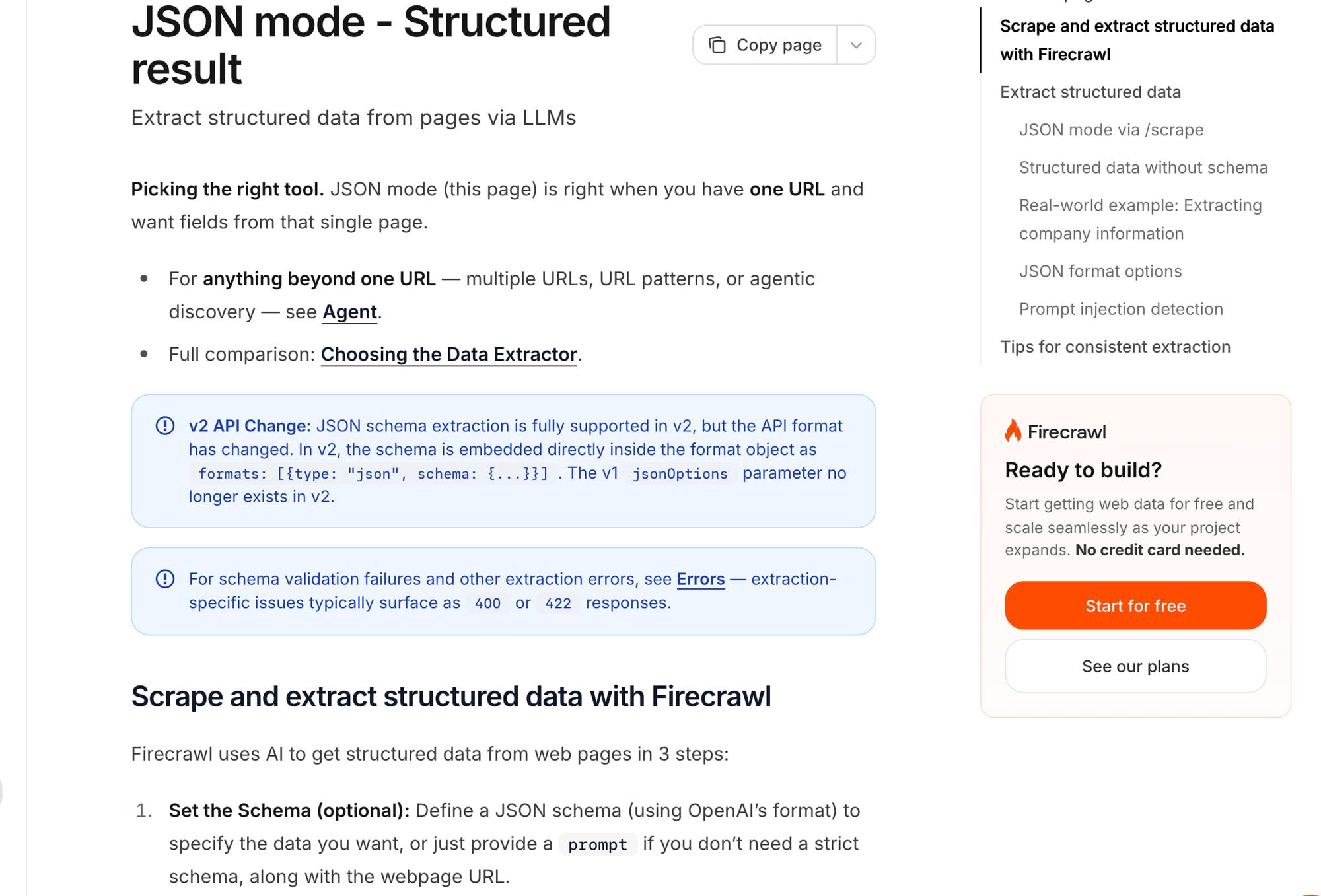
Firecrawl’s v2 single-page JSON format places the schema in a formats entry with type: "json". The documented v2 pattern is not the older jsonOptions shape. Single-page JSON docs.
The separate /extract route runs multi-URL jobs with processing/completed/failed/cancelled states and documented variability on larger sites. It is now deprecated and will be removed on 10 December 2026; Firecrawl points single-page extracts to /v2/scrape with JSON and multi-page or web-search extracts to /v2/agent. I would not start new work on /extract. Extract jobs.
For the scrape/crawl JSON configuration, one base page credit plus four JSON credits is five before other modifiers. Prompt-injection checking adds another four under the public billing rules; those modifiers stack. This calculation does not establish a fixed per-page price for /extract. Billing, checked 11 November 2026.
A default local deployment also needs a configured provider/Ollama for LLM formats. I would check that requirement before assuming a self-hosted JSON request has no model dependency or bill. Self-host guide.
Zyte’s custom attributes, and what they cost #
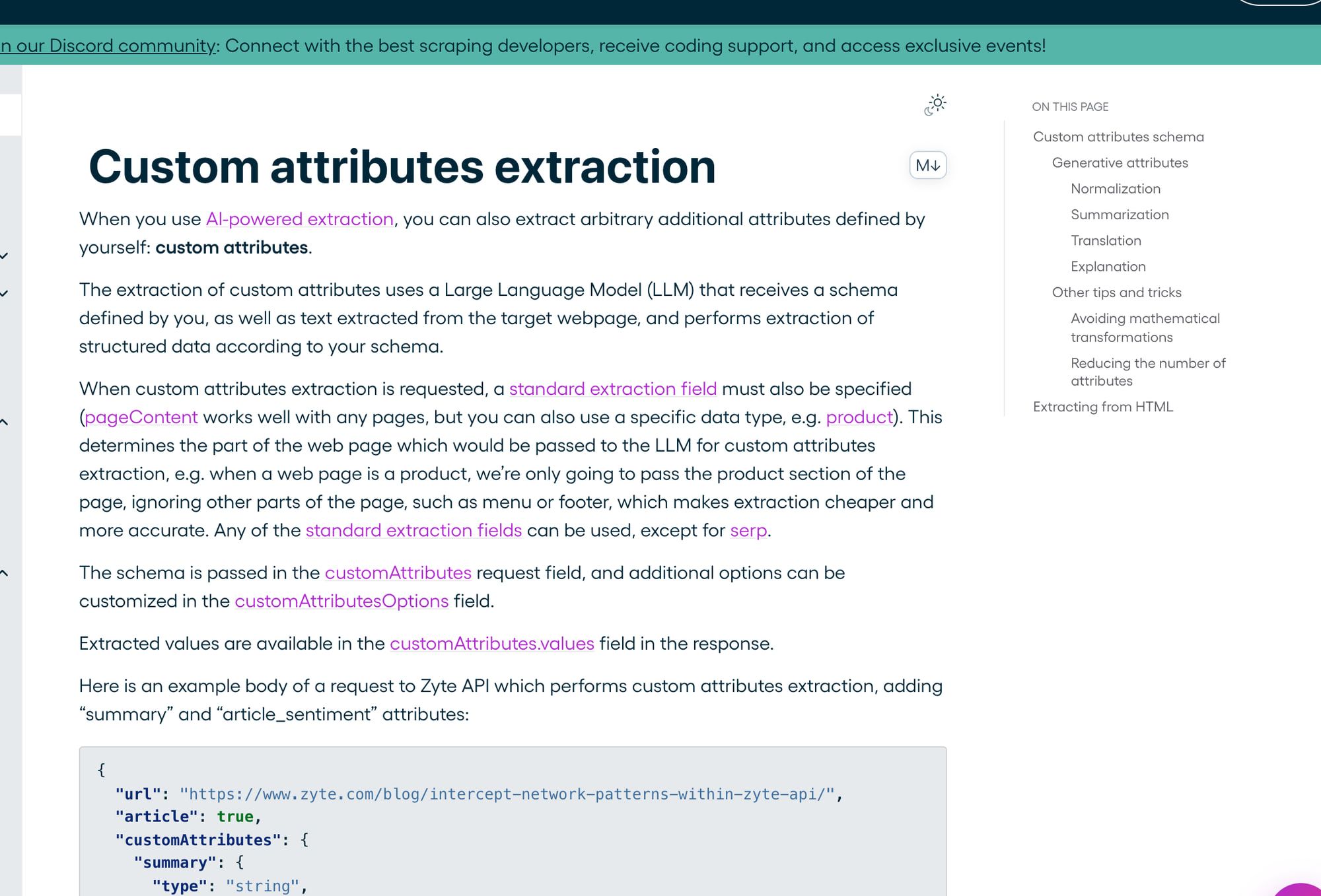
Zyte custom attributes build on a required standard extraction type. Its docs describe a supported schema subset and two token limits: page text above maxInputTokens is truncated, which Zyte says may degrade quality or leave data out, and maxOutputTokens caps the output. API reference
The schema example omits unextractable attributes, while the HTML-format section describes null for an unmatched element. I would handle both missing keys and null, rather than promise one universal missing-value representation. Custom attributes, reference.
For ambiguous units, the docs recommend extracting the raw value and unit before transforming them yourself. I would keep that original evidence alongside a normalized field, so a later audit can see why a currency or measurement was chosen. Normalization guidance.
Published PAYG custom text prices are $1.34 per million input tokens and $6.67 per million output tokens; HTML inputs are $4.02 and $20 respectively. Standard extraction adds $0.27–$1.07 per 1,000 per type, plus the applicable base request/target cost. Pricing, checked 11 November 2026.
For a hypothetical text input of 100,000 tokens and output of 10,000, the custom-attribute add-on is $0.134 + $0.0667 = $0.2007. At the HTML rates, it is $0.402 + $0.20 = $0.602. Neither figure is a complete request invoice or a token count observed from a page.
The distinction matters when comparing prices. I would not compare that token add-on alone with Firecrawl’s full credit charge, because fetching, standard extraction and other applicable costs are still outside the Zyte example. The base request tiers and plan ceilings are in my Zyte API pricing breakdown.
Want to run it yourself? Crawl4AI and ScrapeGraphAI #
Crawl4AI fits when you want to own the extraction configuration and provider choice. Its LLM strategy accepts a supplied model/provider and schema, while its deterministic strategies avoid LLM calls. The library’s price does not pay for your model tokens or operating infrastructure. LLM strategy, repository.
ScrapeGraphAI documents model-driven graph extraction. I would inspect it when the graph matches the workflow, but I have no logged comparison establishing better field correctness or lower token use. Repository. Both appear, with licences and upkeep, in my roundup of open-source web crawlers for LLMs.
Use self-host costs to decide whether that operating responsibility is appropriate. The format choice cannot settle the infrastructure question by itself.
With Apify, you’re really choosing an Actor #
Apify’s Actor input schema validates the inputs you give the Actor. It does not establish that the returned fields match your intended output schema or the source page. The selected Actor and its stored dataset determine the records and exports you receive. Input-schema docs.
Its cost can be platform usage, events or both. I would inspect the actual Actor’s current price and output examples before comparing it with another endpoint. A platform subscription is not a uniform per-record extraction contract. Pricing, Store billing models. My Apify pricing guide shows how compute units and Actor events combine.
Rental pricing is gone. The Store docs now list only pay per event and pay per usage, and Apify’s API reference says it no longer offers rental pricing. I would still read the chosen Actor’s own pricing section before budgeting. Current Store documentation, API reference.
Valid JSON can still be wrong #
I would validate shape, source meaning and units separately. JSON Schema and model validation tools can establish parsing/shape behavior; they do not supply missing evidence that a number came from the correct page. JSON Schema, validation documentation.
These are proposed test cases, not outputs from a product:
| Designed case | Shape check | Source/value check I would require |
|---|---|---|
| Source has no price | Missing/nullable handling matches the contract | Do not manufacture an amount |
| Source shows EUR but result says USD | Both may satisfy a string schema | Flag the currency mismatch against source text |
| Wrong page returned | A plausible record may parse | Reject the wrong page type or URL context |
| Attribute omitted/truncated | Apply endpoint-specific handling | Mark incomplete evidence instead of silently accepting a full record |
Zyte specifically documents that HTTP 200 can coexist with wrong-page-type, target or action problems. I would inspect content and response metadata rather than treat the status alone as successful extraction. Error semantics.
Retrieved web content can also contain indirect prompt-injection instructions. I would treat it as untrusted input and preserve the source evidence instead of allowing page text to redefine the extraction task. OWASP guidance.
Where should you start? #
Pick deterministic selectors first for stable known structures; shortlist Firecrawl JSON for a managed single-URL shape and Zyte custom attributes when its standard-plus-custom contract fits. Choose Crawl4AI when you intend to maintain the provider and pipeline, or an Apify Actor only after checking its particular output and billing.
I would accept a small allowed-target fixture only after the right page, missing values, units and source evidence all pass. This research has not performed those checks, so there is no accuracy winner.
For more context, see Firecrawl pricing, Firecrawl versus Apify and Crawl4AI versus Firecrawl. The crawl API hub connects the buying routes; web scraping for RAG shows how provenance continues after extraction.
FAQ #
If the JSON matches my schema, are the fields correct? #
No. I would also check the source page, page type, missing values, currency and units before accepting the record.
Is Firecrawl’s extract endpoint the same as scrape with JSON? #
No. They are documented as different scopes and lifecycles, and /extract is deprecated, with removal on 10 December 2026. Use the single-page JSON format, or Agent for multi-URL work.
Is Zyte’s token price all you pay? #
No. The published custom-token price sits beside base request and required standard-extraction costs. Pricing.
Does an Apify input schema check the output too? #
It validates the Actor input. Inspect and validate the actual output contract and dataset separately. Apify schema docs.
Sources
23 sources, accessed .
Official pricing, docs, changelogs and status pages 21
- Default stack limits and production duties
- USD plans and credit costs; scratch copy
- Modifiers, failures, rollover and limits
- Scope, robots and result expiry
- v2 single-page JSON extraction
- Multi-URL extraction job; deprecated, removed 2026-12-10
- Robots and browser/run configuration
- Model providers and LLM extraction
- CSS/XPath and deterministic extraction
- Base request plus extraction/token pricing
- Schemas, request and token caps
- 200 does not prove content match
- Subset schema, nulls and normalization
- Actor/platform cost distinction
- Actor billing models: pay per event and pay per usage
- API reference: rental pricing no longer offered
- Input validation is not output accuracy
- Stored records and exports
- Output-shape validation vocabulary
- Parsing and validation behavior
- Untrusted retrieved-content instructions
GitHub code, issues and releases 2
Last updated: 13 October 2026. Researched and drafted with AI tools; human editorial review and publication approval are pending.


