Roundup
The Best Web Scraping MCP Server? I Compared 5 of Them
Firecrawl, Crawl4AI, Apify, Bright Data and Zyte all offer MCP servers. Here's which fits which job, how each bills, and what's still unverified.

I would shortlist Firecrawl for a scrape/crawl API workflow, Apify for a specific Actor, and local Crawl4AI when you want to maintain the browser/extraction stack yourself. Bright Data and Zyte are useful further choices when their documented tool groups match the fetch, extraction or browser task.
Choose the job first, then the connection. I compared the public tool inventories, authentication, billing and protocol documents; I did not connect these servers or verify a live handshake, so the ordering is a documented-fit shortlist rather than an uptime or quality ranking.
Short on time?
Here's my take
- For scrape and crawl tools
- Firecrawl
- Inspect the keyless versus authenticated inventory and the capabilities supplied by the chosen backend.
- For a specific Apify Actor
- Apify
- Choose the actual Actor and its input/output/billing contract instead of assuming a uniform platform result.
- For a stack you run yourself
- Crawl4AI local
- Budget resources, auth and current client transport compatibility alongside the extraction task.
Prices verified . Public documentation checked 9 November 2026. No connection, negotiated revision or product performance was tested.
What does each server actually do? #
| Server | Documented tool direction | Access/hosting evidence | Billing boundary |
|---|---|---|---|
| Firecrawl | Scrape/crawl and documented full-tool inventory | Limited keyless, OAuth or bearer-key paths; local bridge can target a self-hosted API | Endpoint credits/modifiers and suitable plan |
| Crawl4AI | Local browser/extraction stack; cloud remote MCP separately documented | Local SSE/WS docs; cloud Streamable HTTP with sign-in or key | Your stack/model costs or reconciled cloud credits |
| Apify | Actor discovery and execution | Official HTTPS OAuth/bearer routes and official repository | Actor/platform usage, events or both |
| Bright Data | Named fetch/extract/browser tool groups | Local environment-key or hosted URL route | Shared account quota; result or browser-GB prices |
| Zyte | Separate HTTP/browser fetch/extract plus pricing/usage reads | Follow the documented account setup; connection unverified | Applicable request, extraction and token charges |
Checked 9 November 2026. The transport labels describe the documented route; they do not establish that it supports your client’s current revision or that a connected account has every tool.
Firecrawl #
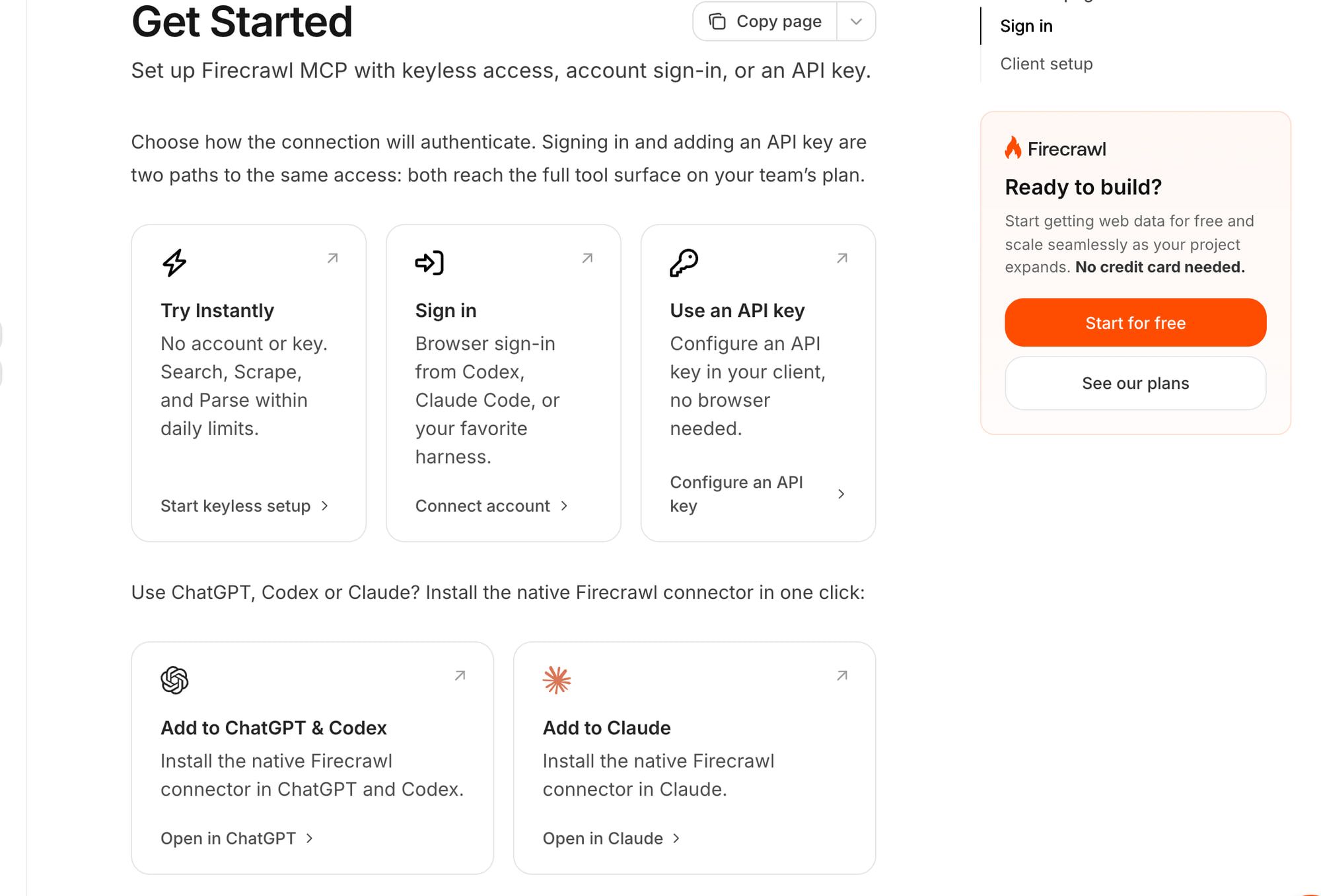
Firecrawl is my starting shortlist when the required job matches its documented scrape/crawl tools. Its docs distinguish limited keyless access from OAuth and bearer-key paths, with the full inventory depending on the suitable account and plan. I would not describe keyless mode as the whole product. MCP docs.
The official MCP bridge is MIT-licensed. Its local configuration can target a self-hosted API, but a bridge cannot create capabilities absent from that backend. That matters if a tool depends on a managed feature rather than the default local stack; my Firecrawl self-host guide lists what the self-hosted version leaves out. Official server repository.
For costs, follow the actual tool to its endpoint. Firecrawl’s documented scrape/crawl base page costs one credit; JSON and optional modifiers add charges, while a separate extraction job has its own scope. Billing, JSON docs, checked 9 November 2026.
I would start with a small allowed-target task and a capped budget after terms review, then inspect the returned tool result. This research has not performed that acceptance check.
Crawl4AI #
Local Crawl4AI fits when controlling the running stack is part of the requirement. Its Docker guide describes resource/auth requirements and local MCP endpoints using SSE and WebSocket routes. Its cloud homepage documents a separate remote Streamable HTTP path that you reach by signing in or adding a key. Local guide, cloud homepage.
Those are different connections, not merely two labels for the same URL. I would confirm the actual client transport and supported revision before copying a setup recipe, then cap process, memory and request use for the local service.
The current cloud homepage and its linked cloud terms agree that bought credit never expires; soft-launch prices and free credit can change. I have not called its controlling pricing endpoint or verified account eligibility, so the homepage does not establish a guaranteed future free allowance. Current homepage, current cloud terms, checked 9 November 2026.
Its attribution appendix, security-release history and current configuration deserve inspection before deployment. License, changelog, Compose settings.
Apify #
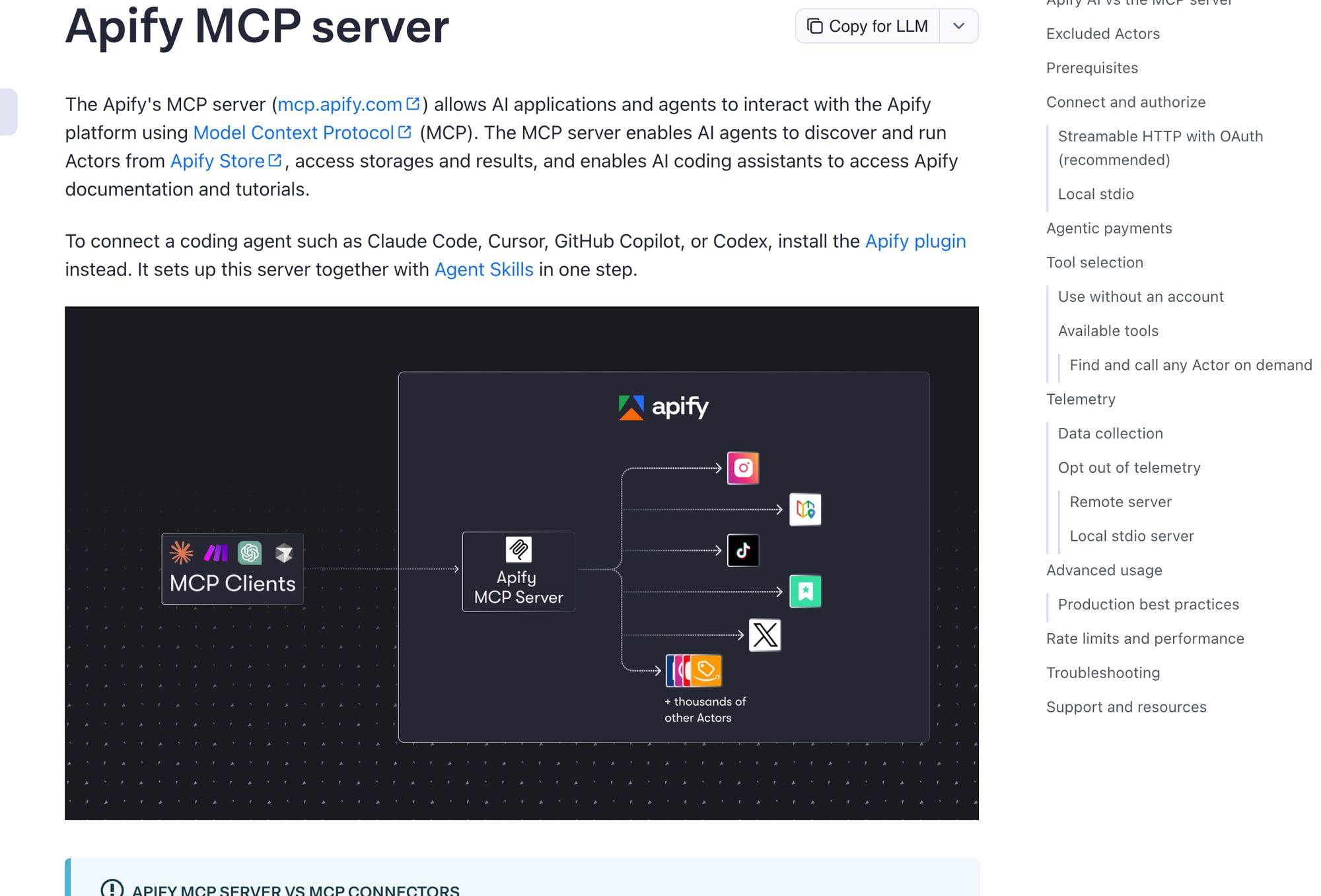
Apify fits when a chosen Actor defines the output you need. Its official MCP docs describe Actor discovery/execution and HTTPS OAuth or bearer authentication, backed by an official server repository. The server’s README says Actor search returns only free and pay-per-event Actors, so rental and pay-per-result Actors don’t appear. The two sources differ on full-permission Actors: the docs say they’re excluded, while the README says they need a one-time approval. Either way, a Store listing alone does not establish MCP eligibility.
I would inspect the actual tool and Actor scope before enabling execution. MCP docs, server repository.
Costs stay Actor-specific. The platform and Store docs distinguish usage and event models; connecting a tool does not make every Actor run part of a flat scraping allowance. Pricing, Store models.
I would begin with a constrained Actor input and check its output contract, permitted targets and chargeable events. The Store docs now list only pay-per-event and pay-per-usage models. I could not confirm the date rental billing ended for existing users.
For the platform-versus-API decision, use Firecrawl versus Apify.
Bright Data #
Bright Data is worth a shortlist when its named fetch, extract or browser tools fit the task. Its repository documents a local environment-key route and a hosted route, plus tool groups that can be restricted. I would enable the required group rather than give an assistant every available operation by default. Official repository, tool inventory.
The current repository lists 5,000 free requests monthly shared by account, then $1.50 per 1,000 Search/Scrape/Extract results and $8 per GB of browser traffic. Those units differ: requests, returned results and traffic volume do not create a common per-page rate without a matched workload. Current list schedule, checked 9 November 2026.
I would check how existing account activity consumes the shared quota before budgeting a new assistant workflow. I have not verified actual free-quota eligibility, debit behavior, browser traffic or anti-bot success in an account.
Zyte #
Zyte fits when you want the documented HTTP/browser fetch and extraction tools kept distinct, with pricing/usage reads beside them. That separation can help define a controlled task, but it does not prove a connected account or a correct returned page. MCP docs.
Its bill can include the target/request tier, standard extraction and custom-attribute tokens. I would review the selected tool’s whole price rather than quote an extraction add-on as the complete request cost. API pricing, checked 9 November 2026. My guide to LLM structured data extraction compares that schema-and-cost trade-off across tools.
The API error docs explain why HTTP 200 alone does not establish the intended content or completed actions. I would inspect the actual result and metadata before calling the MCP task successful. Error reference.
Will an older setup recipe still work? #
Match the server and client revision before assuming a setup works. The current 2026-07-28 specification describes per-request protocol metadata and a Streamable HTTP binding with POST requests, request-scoped replies and explicit older-revision fallback. It removes the older GET stream endpoint and protocol sessions; it does not remove every use of SSE in a response. Current transport overview, Streamable HTTP binding.
Older 2025-06-18 transport and authorization docs remain relevant when a vendor recipe targets that revision. I would keep the revision label on those instructions rather than present an old initialize/GET-SSE sequence as universally current. Historical transport, historical authorization.
Current HTTP authorization and stdio environment credentials are separate concepts. I would inspect the chosen route’s audience, scope and credential handling, including Origin checks and local binding, rather than paste a service token into an unrelated transport recipe. Current authorization, security guidance.
None of the vendor rows establishes adoption of the July revision. A practical acceptance check must inspect the actual supported revision and tool list; this comparison has not run it.
What about Jina and ZenRows? #
Jina’s homepage and Reader page mention mcp.jina.ai, but this research did not capture the exact transport, authentication or tool inventory. I would treat it as an option to investigate, not supply guessed setup commands. Homepage, Reader.
I also did not verify an official ZenRows MCP setup. Neither a guessed repository nor an unsuccessful search establishes a supported server, so neither gets an invented configuration or a ranked full setup in this list.
Need search results first? Consider apiserpent.com #
apiserpent.com is useful to consider when you need search discovery before fetching pages. Its docs now describe an official hosted MCP server at https://api.apiserpent.com/mcp, with the API key sent as an X-API-Key or Authorization: Bearer header. The tools cover Google web, news, image, video and shopping search, Google Maps and AI ranking, plus YouTube, Instagram, LinkedIn, eBay, Amazon, TikTok, X and Reddit data. There is no general fetch-any-URL tool, so it sits beside a scraping server rather than replacing one. MCP docs.
Each tool call bills as the matching REST call, at the same prices and rate limits; listing the tools is free. Web rates are $0.60/$0.30/$0.10/$0.05/$0.03 per 1,000 on Default/Growth/Scale/Enterprise/Enterprise Plus, and each paid tier needs a deposit of $100/$500/$1,000/$1,250. Quick Search bills per call; Deep Search bills per requested page. Credit you already hold keeps the price you bought it at. Current pricing, checked 9 November 2026.
Those low rates are a strength for a discovery budget, but the qualifying deposit is a separate cash commitment. The docs also say web connectors that can’t send a header, such as claude.ai and ChatGPT on the web, cannot connect. Its older blog tutorial builds a DIY stdio wrapper instead; I would follow the hosted-server docs now. Tutorial.
I did not connect the hosted server for this article, so its tool output and client compatibility are documented, not verified.
Which server should you start with? #
My recommendation is to choose the smallest tool scope that performs the documented job: Firecrawl for its scrape/crawl path, Crawl4AI local for a stack you maintain, Apify for an inspected Actor, Bright Data for the selected fetch/browser group, or Zyte for its separate fetch/extract tools.
Before a live task, I would confirm target permission, terms, transport/revision, token audience, enabled tools and a charge cap. Those are concrete acceptance checks, not claims this research completed a connection.
For the wider choice, use the crawl API hub, Crawl4AI versus Firecrawl and the open-source LLM crawler comparison. The search API hub covers discovery without treating it as page extraction.
FAQ #
Does a free MCP connection mean free scraping? #
I would inspect the tool’s request, result, Actor, model or traffic charges separately. A connection method is not an all-in billing promise.
Do you get every Firecrawl tool without an API key? #
Its docs distinguish limited keyless tools from authenticated scope. Verify the exact account and plan before assuming the full inventory is available. MCP docs.
Is Crawl4AI’s local MCP the same as its cloud one? #
Their docs describe different transports and hosting arrangements. Confirm the actual client/server compatibility rather than copy one route’s configuration into the other. Local guide, cloud page.
Does apiserpent.com have an official hosted scraping MCP server? #
It has an official hosted MCP server, but not a general scraping one. Its docs list search, Maps, AI-ranking and platform-data tools with no fetch-any-URL tool. I read the docs but did not connect it. MCP docs.
Sources
33 sources, accessed .
Official pricing, docs, changelogs and status pages 27
- USD plans and credit costs; scratch copy
- Modifiers, failures, rollover and limits
- v2 single-page JSON extraction
- RAM, auth and local MCP endpoints
- Robots and browser/run configuration
- Changed cloud prices and remote MCP
- Cloud terms effective 15 October 2026
- Base request plus extraction/token pricing
- 200 does not prove content match
- Actor/platform cost distinction
- Actor billing models and dated rental conflict
- Keyless, OAuth and bearer-key setup
- MCP tool discovery and authentication
- Hosted/local MCP overview
- Named fetch/extract/browser tools
- HTTP/browser fetch/extract plus usage tools
- Versioned stdio/Streamable HTTP specification
- Versioned HTTP authorization requirements
- SSRF, token audiences and scope limits
- Vendor-authored DIY search wrapper tutorial
- API docs and hosted MCP server section
- Current deposit-dependent Web schedules
- Official MCP mention; setup scope unverified
- Reader capabilities and MCP mention
- Current transport revision and older-client fallback
- Current HTTP authorization and audience/scopes
- Current POST-only binding and security rules


