Roundup
The Best Browser Automation MCP Server Depends on the Job
Playwright MCP for structured actions, Chrome DevTools MCP for debugging, or a hosted route. Seven browser MCP options; archived ones are flagged.

I would choose Playwright MCP for structured browser actions, Chrome DevTools MCP for inspection/debugging, and a hosted route only when its documented state, task or managed-access model fits. The task determines the shortlist; no stars, marketing speed claim or archived reference establishes a working connection.
This comparison keeps browser interaction separate from fetch-only tools. Browserless documents persistent interaction alongside its data tools, while Browser Use hosted task delegation and local control helpers are different routes. Browserless repository, Browser Use hosted docs, local control tools.
Short on time?
Here's my take
- Structured local actions
- Playwright MCP
- Use its documented action approach while designing an independent security boundary.
- Network/performance inspection
- Chrome DevTools MCP
- Inspect browser/debugging capabilities and both telemetry controls before connecting sensitive state.
- Hosted or persistent work
- Select the actual route
- Confirm state, credentials, account entitlement and current maintenance separately from repository presence.
Prices verified . Public sources checked 11 November 2026. No MCP connection, browser run or performance comparison was completed.
Which server fits which job? #
| Route | Documented use | Important boundary |
|---|---|---|
| Playwright MCP | Accessibility-snapshot actions | Apache core; MCP is not a security boundary |
| Chrome DevTools MCP | Inspection/performance/network and automation | Browser data is exposed to the client; telemetry paths differ |
| Browserless MCP | Fetch/data, functions and persistent interaction | SSPL bridge; cloud runtime/billing is separate |
| Browser Use | Hosted task delegation or local CDP helpers | Hosted MCP runs v3 sessions, not v4 runs |
| Bright Data | Managed ref-based browser tools plus data tools | Free-tier browser scope differs between docs and repo; browser traffic is not result billing |
| Browserbase hosted docs | Documented hosted connection route | Reference repo archived 20 July 2026; not production evidence |
| Cloudflare CDP path | Documented Chrome DevTools/CDP integration | Different from archived Playwright fork |
Checked 11 November 2026. These rows describe source-supported options and limitations, not tested compatibility or an all-tools entitlement for a new account.
Playwright MCP #
Playwright MCP is my first shortlist for documented structured browser actions. Its repository describes accessibility snapshots, an Apache-2.0 license and a Docker path supporting headless Chromium only. It also says MCP is not a security boundary. Repository, license.
The latest release, v0.0.85 on 9 November 2026, adds a --background mode for extension connections; v0.0.84 (31 October) added isolated named sessions and URL-parameter redaction. I would inspect the exact installed version and supported client before a future run; the release notes are not a measured success rate or a performed upgrade. Releases.
I would keep profiles, target policy and side-effect approval explicit. The server’s structured interface does not itself authorize all page actions or isolate every hostile input.
Chrome DevTools MCP #
Chrome DevTools MCP fits inspection, performance/network analysis and automation. Its repo describes Chrome/Chrome-for-Testing support and an Apache-2.0 license, with browser data exposed to the connected client. Repository, license.
Usage statistics default on; --no-usage-statistics opts out. CrUX trace-URL requests use a separate --no-performance-crux control, so I would review both rather than claim one switch disables every data path. Current repository.
The latest release, v1.12.0, is dated 22 October 2026. I describe the current v1 route, not an old setup command assumed compatible with every browser/client. No install or trace was run here. Releases.
Browserless, when the session has to persist #
Browserless MCP is broader than fetch-only scraping. The repo lists search/scrape/map/crawl, custom Puppeteer function execution and persistent browserless_agent interaction. I would select the tools and state required rather than assume the entire inventory should be enabled. Repository.
Hosted Bearer-header authentication is the preferred documented path, and the bridge license is SSPL-1.0. The bridge’s source/license and the cloud browser runtime are separate entitlements and costs. Repository, license.
It ships often: v1.47.1 on 10 November 2026 is a bug-fix release, after v1.46.0 (6 November) added usage and active-session widgets and fixed MCP replay across reconnects. I would review those changes for the chosen runtime without turning them into a claimed latency or success advantage. Release notes.
Browser Use, to hand off a task or drive locally #
Browser Use exposes two different control choices. Hosted MCP delegates tasks, while the local Browser Use MCP docs describe individual CDP helpers over stdio on the real browser. Hosted docs, control-tool repository, MCP guide.
The hosted docs and product page both list seven tools at a v3 endpoint, and the docs say the server runs API v3 sessions, not v4 runs, while current browser/agent billing discusses v4. So I would not assume v4 features or prices carry over to the MCP route. Current pricing advertises $1 once per eligible person; I do not promise a particular account receives it or publish an unexecuted recipe. Hosted docs, product page, billing, pricing.
I would confirm the selected product, tool scope, model/browsing charges and client before choosing it for an allowed task. No current account contract or live handshake was verified in this research.
Bright Data, for managed browser tools #
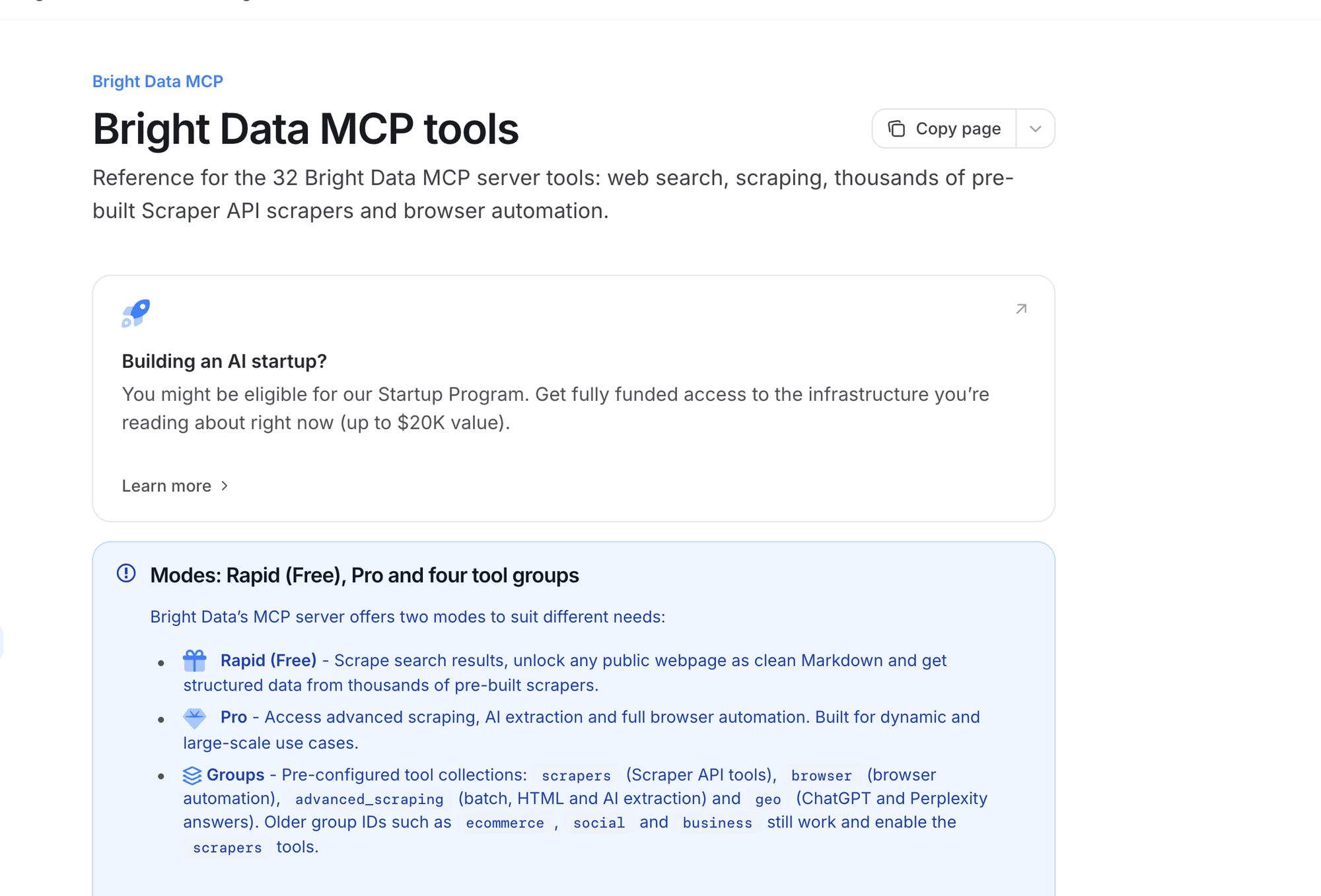
Bright Data documents 14 browser tools alongside search/data tools. Its click/type tools act on refs from the latest ARIA snapshot, so I would take a fresh snapshot after each navigation rather than reuse a stale reference. Tool docs.
The repository is MIT and says its 5,000-request monthly free tier includes browser automation, while the docs overview names the same free tier without saying whether browser tools are in it. The product page lists Browser API traffic at $8/GB pay as you go. Tool presence does not establish the selected account’s entitlement, and per-result pricing is not the browser traffic bill. Overview, repo, license, Browser API pricing.
An OAuth remote path is documented, not a handshake performed here. I would review audience/scope and permitted targets before connecting the selected tools.
Browserbase, with an archived reference repo #
Browserbase’s reference MCP repository was archived on 20 July 2026 and warns that it is historical/not representative of production. Its current docs describe only a hosted Streamable HTTP endpoint on Browserbase infrastructure, so I separate those docs from the archived implementation. Reference repo, introduction.
The setup passes the Browserbase API key, and a model key for non-default models, as URL query parameters. I do not copy those into a public credential recipe or infer the current hosted functionality/pricing from the archive or its server.json. Setup.
I would confirm current supported setup and use a protected credential path before any future connection. This is a documented option with a maintenance caveat, not a verified active stack.
Cloudflare, via its current CDP path #
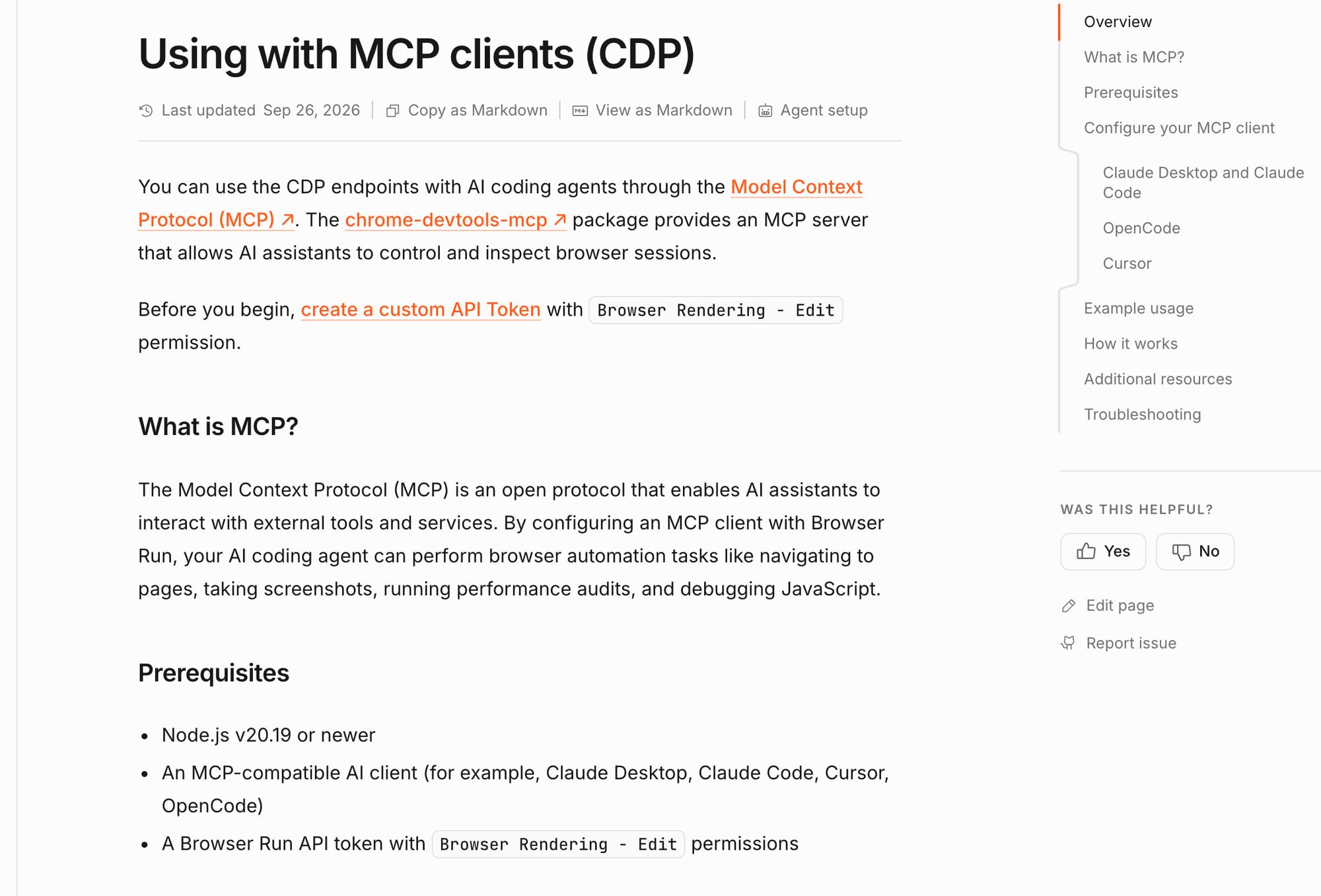
Cloudflare’s Chrome DevTools MCP/CDP documentation is a different route from its Playwright MCP fork. The fork was archived on 12 October 2026; its docs/release labels disagree on versions. I would review the current CDP integration as a proposed path rather than install the archived fork from an old recipe. CDP clients, fork docs, archived repository, release list.
Cloudflare also documents WebMCP, where a page publishes tools. That is a separate model from an MCP server connecting the client to a browser/service, and page schemas/results remain untrusted input. WebMCP docs, current security guidance.
No Cloudflare MCP/CDP connection was tested here. Current documentation is the place to investigate compatibility, not a substitute for an allowed isolated check.
What about scraping and data MCP tools? #
Firecrawl Browser/Interact offers a documented interactive path, but the needed account/plan is separate from limited keyless MCP access. Apify MCP invokes tools/Actors whose scope and charges are separate from the bridge. I would choose the exact required operation rather than assume every data tool can click/type in a browser. Firecrawl Browser, MCP docs, Apify MCP.
My web scraping MCP guide focuses on data tasks. The search/fetch/browser decision guide helps determine whether interactive control is needed at all.
What should you check before connecting one? #
I would confirm version/transport, credentials and token audience, target/redirect/private-network restrictions, profile isolation, enabled tools, lifetime and a budget. Then I would require approval before consequential actions and inspect the actual resulting state. Current MCP security guidance.
The words “read only” in a tool description are not an isolation design. I would preserve independent client/application control over permissions and treat returned page/tool content as untrusted source material.
So which one should you start with? #
Choose Playwright MCP for structured action workflows and Chrome DevTools MCP for inspection/debugging. Consider Browserless, Browser Use or Bright Data for their documented interaction/task routes after confirming the selected entitlement and bill.
Treat Browserbase hosted docs and Cloudflare CDP docs as current routes to investigate with explicit archive/version caveats. I would not claim a universal working setup from a repository or a marketing tool count.
For operating responsibility, read self-hosted versus managed browsers; for hosted choices, read Browserbase alternatives. Cloudflare pricing covers a separate browser/concurrency budget, and the agent browser hub connects the comparisons.
FAQ #
Is Playwright MCP a sandbox? #
Its repository says MCP is not a security boundary. Design the actual target, credential, profile/process and approval controls separately. Repository.
Should I still use the archived Browserbase or Cloudflare repos? #
No. I distinguish the Browserbase/Cloudflare archives from current hosted/CDP docs and provide no executed install recipe. Browserbase archive, Cloudflare archive.
Does one flag turn off all Chrome DevTools MCP telemetry? #
The repository lists separate usage-statistics and performance-CrUX controls. Review both before exposing browser state. Chrome DevTools repo.
Is WebMCP the same as a browser MCP server? #
No. A page publishing tools is a separate source/control relationship; its schemas and results remain untrusted. Cloudflare WebMCP.
Sources
33 sources, accessed .
Official pricing, docs, changelogs and status pages 17
- docs.browserbase.com: integrations/mcp/introduction
- docs.browserbase.com: integrations/mcp/setup
- docs.browser-use.com: cloud/guides/mcp server
- browser-use.com: mcp
- modelcontextprotocol.io: docs/2026 07 28/tutorials/security/security_best_practices
- developers.cloudflare.com: browser run/cdp/mcp clients
- developers.cloudflare.com: browser run/playwright/playwright mcp
- developers.cloudflare.com: browser run/features/webmcp
- docs.brightdata.com: products/mcp server/overview
- docs.brightdata.com: products/mcp server/tools
- docs.brightdata.com: products/mcp server/remote/oauth
- docs.firecrawl.dev: features/browser
- docs.firecrawl.dev: mcp server
- docs.apify.com: mcp
- docs.browser-use.com: cloud/guides/billing
- brightdata.com: products/scraping browser
- browser-use.com: pricing
GitHub code, issues and releases 16
- github.com: microsoft/playwright mcp
- github.com: microsoft/playwright mcp/LICENSE
- github.com: microsoft/playwright mcp/releases
- github.com: ChromeDevTools/chrome devtools mcp
- github.com: ChromeDevTools/chrome devtools mcp/LICENSE
- github.com: ChromeDevTools/chrome devtools mcp/releases
- github.com: browserless/browserless mcp
- github.com: browserless/browserless mcp/LICENSE
- github.com: browserless/browserless mcp/releases
- github.com: browserbase/mcp server browserbase
- github.com: browser use/browser harness
- github.com: browser use/browser harness/docs/MCP
- github.com: cloudflare/playwright mcp
- github.com: cloudflare/playwright mcp/releases
- github.com: brightdata/brightdata mcp
- github.com: brightdata/brightdata mcp/LICENSE
Last updated: 13 October 2026. Researched and drafted with AI tools; human editorial review and publication approval are pending.


